Five agents are running across four tabs. One of them stopped two minutes ago to ask a yes or no question, and the other four are still working. Finding the one that is waiting means visiting all four tabs.
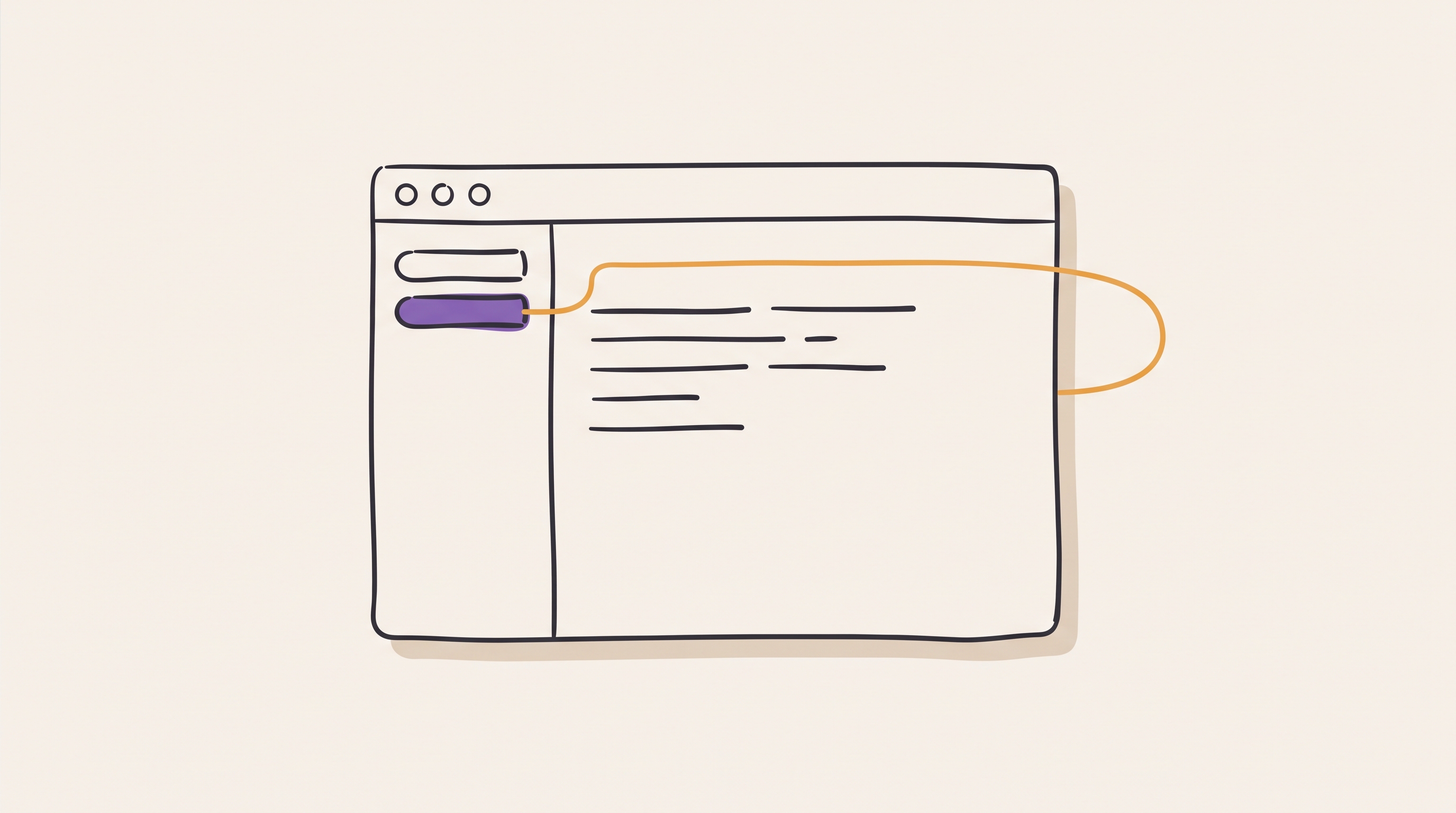
This post introduces herdr, a terminal multiplexer built for running coding agents, and is for anyone who currently runs those agents in tmux or in a pile of terminal tabs. herdr does not wrap or replace the agents. It owns their terminals, the way tmux owns a shell, and it tracks the state of each one.
What herdr is
herdr is one Rust binary that runs as a background server with a thin client in front of it. The server owns the terminals. The client draws them, and you can close it without stopping the work.
The layout has three levels. A space holds tabs, a tab holds panes, and a pane holds one process. A sidebar down the left lists the spaces and every agent running inside them.
Anyone coming from tmux will recognise the shape. A space is close to a tmux
session, a tab to a window, and a pane to a pane. The prefix key works the same
way, and defaults to ctrl+b.
The sidebar knows which agent is stuck
Every pane carries a state, and herdr marks it working, blocked or idle. An agent that stops to ask a question shows as blocked in the sidebar, next to the name of the tab it lives in.
This solves the problem in the opening paragraph. Instead of walking four tabs to find the one waiting on an answer, you read the sidebar and go straight there. On a busy machine with several agents, this is the difference between noticing in two seconds and noticing in ten minutes.
tmux has no equivalent, because tmux has no idea what runs inside a pane. It can show you a window name and a process name. It cannot tell you that Claude Code is sitting at a confirmation prompt.
What survives a restart
Detaching leaves everything running. Press the prefix and q, and the client
exits while the server keeps every pane alive. Run herdr again to reattach.
An ssh connection that drops takes the client with it and leaves the work
untouched.
tmux does this too, and has done for twenty years. The difference appears at the next restart. After the server or the machine restarts, herdr brings back the saved layout: the spaces, the tabs and the panes return in place.
The limit matters, because a restored layout looks more complete than it is. The original processes do not survive a restart. herdr can resume a supported agent session natively, using the agent's own resume command, but a shell command that was running is gone. The layout returns, and the work inside it needs restarting.
Mouse and keyboard, both first class
Click a pane to focus it. Drag a border to resize it. Drag across text to select it. None of that needs configuration, and the prefix key bindings work at the same time, so the choice is per moment rather than per tool.
tmux ships with the mouse off. Until set -g mouse on reaches .tmux.conf,
clicking a pane does nothing and dragging a border does nothing. The setting is
one line, and every new tmux user has to learn about that line first.
Scrolling that works before you configure it
The difference shows most clearly in scrollback. In herdr, the wheel scrolls
the focused pane's history immediately, three lines per notch, which
ui.mouse_scroll_lines changes. PageUp and PageDown reach the same history in
an ordinary shell pane, and herdr forwards them to full-screen applications
that want them instead.
Two more routes reach the same history. prefix+[ enters copy mode for
keyboard selection, and prefix+e opens the current pane's scrollback in
$EDITOR inside a temporary zoomed pane, which beats scrolling when the
interesting output is a screen or two back.
The tmux trap here is specific and catches people for months. With the mouse off, the terminal turns the wheel into Up and Down key presses, and the application in the pane receives them as key presses. Scrolling a shell then walks your command history, and scrolling an agent command line interface (CLI) cycles its prompt history. The wheel appears to do something random rather than nothing.
One honest caveat about herdr. An application that grabs the mouse for its own purposes takes the wheel with it, and most agent CLIs do exactly that. In those panes, copy mode still scrolls, and a terminal level route such as Ghostty's shift and scroll still reads the window buffer.
Starting it
Install it and start it in the directory where the work lives:
brew install herdr
herdr
Three commands cover the first week:
herdrattaches to the session, or creates it.herdr status serverreports the running server, its protocol number and its socket path.herdr session listnames the sessions and shows which are running.
After that, the sidebar does the work. Start an agent in a pane, start another in a second pane, and watch which one goes blocked first.