The sidebar carries homelab: ~ next to the local spaces, the panes stream,
and the agent on the other machine reports its state where you can see it.
Then you press the key for a new tab, and a shell opens on the laptop.
This post is for anyone already running the herdr-mirror plugin and working
in a mirror day to day. It covers creating tabs and whole spaces on the remote
host, getting scrolling to work, and the limits of the setup. Setting the link
up in the first place is part one:
Mirroring a remote herdr server.
This post calls herdr's modifier key the leader, following vim. The
configuration file spells it prefix, so the key bindings read prefix+c
while the prose says leader and c.
Keeping new tabs and spaces on the remote
A mirror workspace is a genuine local workspace, and herdr has no concept of mirroring. Every native command inside that workspace therefore acts locally, which produces the most common surprise in this setup.
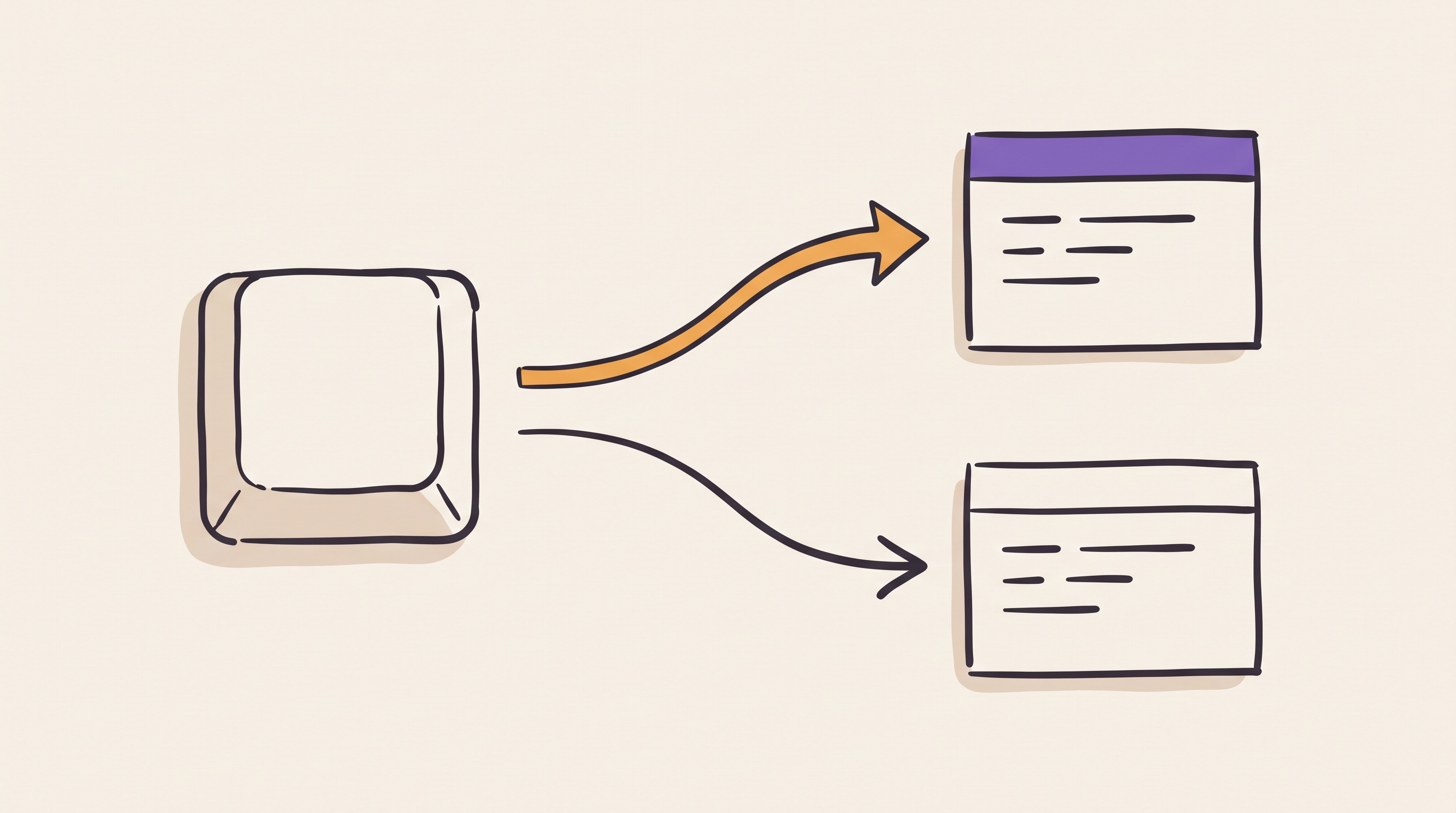
Open a mirror, press leader and c for a new tab, and you get a local tab.
It runs a shell on your own machine, inside a workspace whose other panes live
on the remote. The plugin never created that tab, so it never syncs it. The tab
counts give the mismatch away:
local  homelab: ~   2 tabs, 2 panes
remote w2           1 tab,  1 pane
The plus button in the tab bar behaves the same way. It calls herdr's native new tab action directly rather than passing through a key binding, so it always creates a local tab. No configuration changes that. Treat the plus button as the local option and use a key for the remote one.
The fix is to bind the plugin's remote actions. Each one falls back to the plain local action when you invoke it outside a mirror, so the native keys can point at them and cover both cases:
[keys]
new_tab = "prefix+shift+c"
split_vertical = "prefix+shift+v"
split_horizontal = "prefix+shift+minus"

[[keys.command]]
key = "prefix+c"
type = "plugin_action"
command = "mirror.remote-new-tab"

[[keys.command]]
key = "prefix+v"
type = "plugin_action"
command = "mirror.remote-split-right"

[[keys.command]]
key = "prefix+minus"
type = "plugin_action"
command = "mirror.remote-split-down"
Declare the [keys] table before the [[keys.command]] blocks. Placing it
after them risks a table redefinition error, because the array entries create
the keys table implicitly.
After a herdr server reload-config, leader and c creates a tab on the
mirrored host, and the plus button still creates a local one. The natives
remain available on their shift variants.
This scheme has one cost. The remapped keys now depend on the plugin staying installed and enabled, because no native binding sits behind them any more. The shift variants remain as the escape hatch.
Splits carry an extra rule. On a non-mirrored pane inside a mirror workspace,
remote-split-right and remote-split-down report an error rather than
splitting locally. A local split there would desync the mirrored layout, so
the plugin refuses instead of making the mismatch worse.
A whole space on the remote
The same rule extends one level up. mirror.remote-new-workspace creates a
workspace on the mirrored host, and the daemon brings it back within seconds as
a new homelab: <name> space in the local sidebar. It inherits the host and
the working directory from the mirror you invoke it from.
Native new_workspace already sits on prefix+shift+n, so the remote version
takes the same key with alt added:
[[keys.command]]
key = "prefix+alt+n"
type = "plugin_action"
command = "mirror.remote-new-workspace"
Pressed outside a mirror it creates a plain local workspace, so the binding is safe anywhere. This is the shortest route into the remote machine: one key, and a space appears in the sidebar with its shell already on the other end.
Getting scrolling to work
Start an agent in a pane, then reach for the wheel. Nothing moves, or the agent's own prompt history cycles under your fingers. The pane holds thousands of lines and none of them come back.
The cause is mouse reporting. An agent command line interface (CLI) grabs the mouse so it can handle clicks and drags itself, and a grabbed mouse owns the wheel too. The event never reaches herdr's pane scrollback.
Two routes avoid the grab, and they reach different buffers.
Ghostty handles the first. Setting mouse-shift-capture = false reserves shift
for the terminal:
# Shift+scroll always scrolls terminal scrollback, even when a TUI app
# captures the mouse
mouse-shift-capture = false
Hold shift and scroll, and the wheel bypasses whatever grabbed the mouse. That wheel reaches Ghostty's own scrollback, the window as Ghostty painted it, rather than herdr's pane scrollback. Output from before the current layout is not in it, and the sidebar and the neighbouring panes scroll as part of the same rectangle. This route gives a quick look backwards, not a pane-scoped view.
herdr's copy mode is the second route and the precise one. prefix+[ enters
it, the arrow and page keys move through that pane's own scrollback, and q
leaves. A keyboard route never touches the mouse grab, so the foreground
application stops mattering. Spell the binding prefix+[, because the config
parser rejects prefix+bracketleft.
Mirror panes are still unsolved
Neither route reaches a mirror pane's history, and the reason is a trade you have probably already made.
Copying text out of a mirror pane fails by default. The plugin forwards raw mouse events to the remote whenever the pane's foreground process is not a known shell, and an agent CLI does not appear on that list, so every drag goes to the remote and no local selection happens. The fix is per host:
[hosts.homelab]
target = "herdr-homelab"
forward_mouse = false
That releases the mouse grab, and the wheel goes with it. An ungrabbed pane in
the alternate screen falls back to alternate scroll, where herdr turns each
notch into an Up or Down key that the remote reads as history recall. The
plugin therefore sends ?1007l to switch alternate scroll off, which leaves
the wheel inert rather than wrong.
Holding shift and scrolling still reads Ghostty's buffer, and the remote
application's own keys still work. Nothing reaches remote pane scrollback from
inside a mirror, and turning forward_mouse back on to recover the wheel costs
local selection again.
Limitations
Five constraints apply once the mirror is running.
- The plugin tracks the streaming protocol, so both ends need matching builds.
- Keystroke echo costs a frame round trip, which adds a small constant delay compared with raw ssh.
- Mirror workspaces show no git information, because herdr derives the sidebar branch from a local working directory.
- A mirror is only as reachable as its host, and the daemon reports a readable status when a host goes away.
- Wheel scrollback does not work in a mirror pane while
forward_mouse = false, the setting that makes local selection work.
None of these change the reason to run it. The value is the sidebar: one window, every machine, and every agent reporting its state where you are already looking.